AI Document Summaries: How They Work and When to Use Them
Summarize long reports, contracts and research in seconds with AI. Learn how DocsFusion produces accurate, grounded summaries.

Reading a 40-page report just to find the key points is a poor use of anyone's time. AI summarisation solves this by distilling long documents into concise, accurate overviews you can trust.
Here's how AI document summaries actually work, when they shine, and how DocsFusion keeps the output grounded in your source.
How AI summarisation works
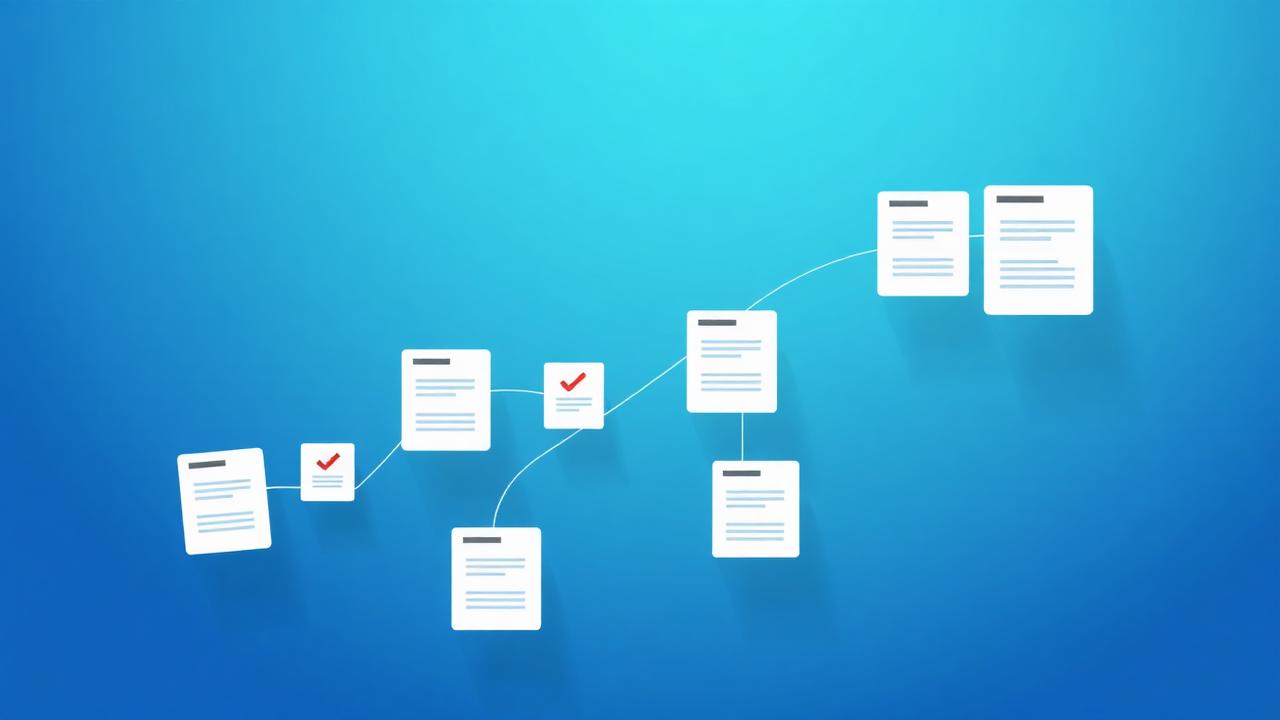
Modern summarisers read the entire document, model its structure, and identify the sentences and sections that carry the most meaning. Rather than simply copying lines, they rewrite the core ideas into a shorter, readable overview.
DocsFusion grounds its summaries in the source text, so the result reflects what the document actually says instead of inventing details.
When to use an AI summary
Summaries are most valuable when you need the gist fast:
- Triage a long report to decide whether it's worth a full read.
- Extract action items from meeting notes or contracts.
- Brief a colleague on a research paper in a couple of sentences.
- Create an executive summary for a document that doesn't have one.
Keeping summaries accurate
The biggest risk with any AI summary is drift — a confident sentence that isn't actually in the source. DocsFusion reduces this by anchoring summaries to the document and highlighting the most important points, so you can verify claims quickly.
For deeper questions, pair summaries with Chat with PDF to ask follow-ups and get answers with citations pointing to the exact pages.
Privacy and languages
Summarisation works across 50+ languages, and you stay in control: nothing is stored, and your files are never used to train models. Documents are deleted automatically within an hour.
Pro tips
- Ask for a bullet summary when you want scannable action items, or a paragraph summary for context.
- Summarise section by section for very long or technical documents.
- Always spot-check critical figures against the source before acting on them.
- Use summaries as a first pass, then Chat with PDF for the details that matter.
Real-world examples
Contract review triage
Summarise a 30-page contract to surface obligations and deadlines before your legal team dives in.
Research digest
Turn a dense academic paper into a three-sentence overview you can share with the team.
Frequently asked questions
Conclusion
AI summaries turn hours of reading into seconds of understanding — as long as they stay grounded in the source.
With accurate, privacy-first summarisation and citation-backed chat, DocsFusion helps you get to the point without losing the details that matter.
Maya Bennett
Document Workflow Specialist
Maya writes about productivity, document automation and getting more done in less time.