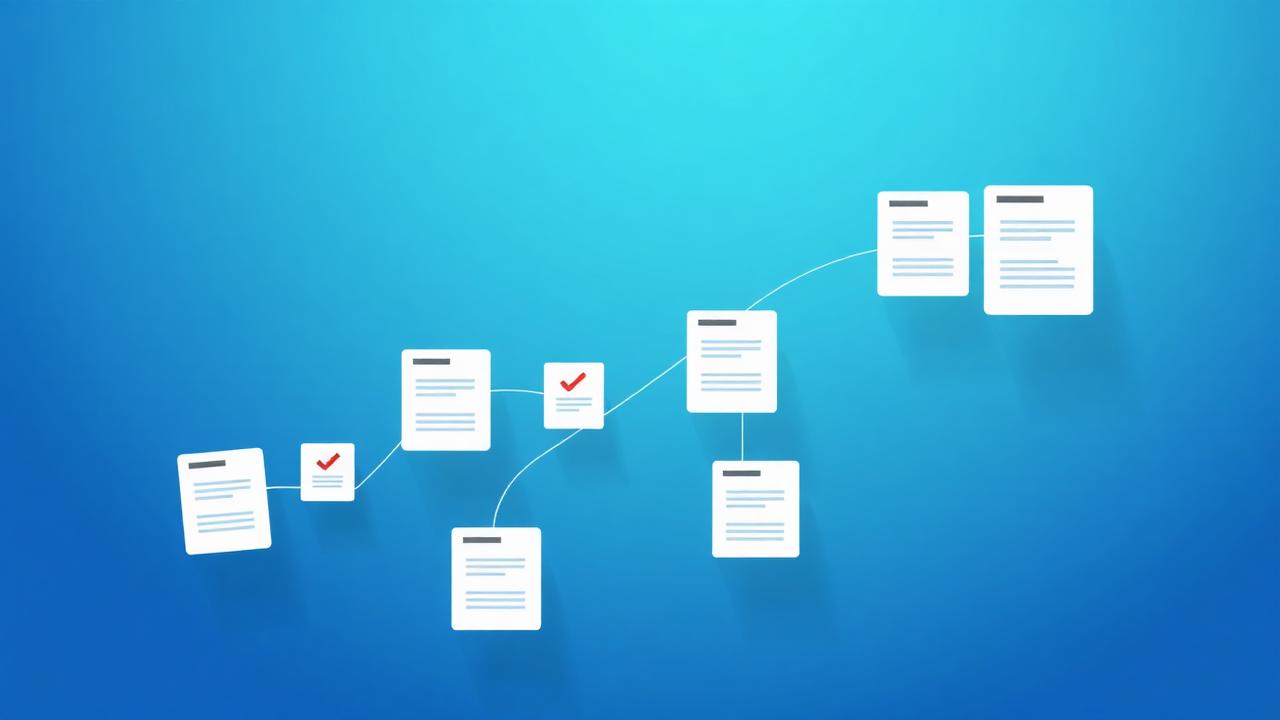
Digital Document Management for Small Businesses
Go paperless with confidence. A practical playbook for organizing, signing and securing business documents without enterprise overhead.

Small businesses generate a surprising amount of paperwork — contracts, invoices, HR forms, receipts. Left unmanaged, it becomes a liability: lost files, missed signatures and compliance headaches.
You don't need an enterprise system to fix this. This playbook shows how to build a lean, digital document workflow that scales with you.
Start by going paperless
Every paper document is a single point of failure. Scanning and digitising your records makes them searchable, backed up and accessible from anywhere.
Use OCR when you scan so text is searchable, not locked inside an image.
Organise for retrieval, not just storage
Storage is easy; finding things later is the hard part. Design your folders and naming around how you'll search — by client, by date, by document type.
- Group by client or project first, then by document type.
- Standardise file names so sorting does the work for you.
- Keep one source of truth per document to avoid version confusion.
Move contracts to e-signatures
Printing, signing, scanning and emailing a contract is slow and error-prone. E-signatures close deals faster and create a clean audit trail.
With eSign PDF you can sign documents yourself or request signatures from others, all without paper.
Keep records secure and compliant
Sensitive business records need protection. Encrypt confidential files, redact personal data before sharing, and keep a retention policy so you don't hold documents longer than necessary.
Choosing tools that delete files automatically after processing reduces your exposure by default.
Pro tips
- Digitise incoming paper the day it arrives so it never piles up.
- Use e-signatures for every contract to speed up close times.
- Encrypt anything with financial or personal data before sharing.
- Set a simple retention schedule and stick to it.
- Standardise templates for invoices and proposals to look consistent and professional.
Real-world examples
Onboarding a new client
Send a templated proposal, collect an e-signature, and file the signed PDF automatically — no printing required.
Month-end bookkeeping
Batch-convert receipts to PDF, merge by category, and hand a single tidy file to your accountant.
Frequently asked questions
Conclusion
Good document management isn't about expensive software — it's about consistent habits and the right lightweight tools.
Go paperless, organise for retrieval, sign digitally and protect what's sensitive, and your business will run smoother from day one.
DocsFusion Team
Product & Content
The people building DocsFusion — sharing what we learn about documents, PDFs and AI.