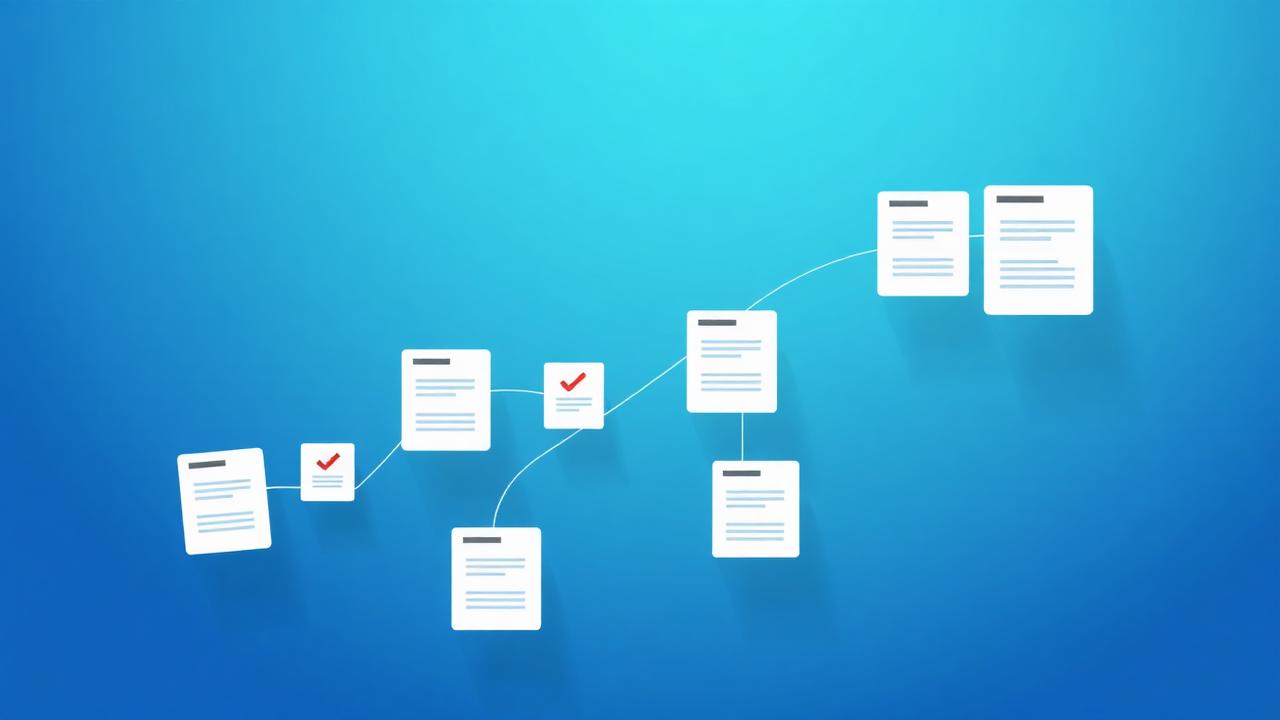
How to Manage Invoices and Financial Statements as PDFs
Keep invoices and statements tidy, searchable and audit-ready with a simple PDF workflow for financial paperwork.

Financial paperwork has a habit of multiplying — invoices, receipts, bank statements, tax forms. When it's disorganised, month-end and tax season become stressful scrambles.
This guide lays out a simple, repeatable PDF workflow to keep your financial documents tidy, searchable, secure and ready for any audit.
Standardise on searchable PDFs
PDF is the universal format for financial records — it looks the same everywhere and can't be accidentally edited like a spreadsheet. Convert incoming documents to PDF and run OCR on scans so every figure is searchable.
Combine and organise by period
Instead of hundreds of loose files, group records by month or quarter. Merge each period's invoices or statements into a single PDF so your accountant gets one tidy file, not an inbox full of attachments.
- Merge all invoices for a month into one file.
- Name files by period and type — e.g. 2026-Q2_invoices.pdf.
- Compress image-heavy scans to keep archives lean.
Protect sensitive financial data
Statements and invoices contain account numbers and personal details. Encrypt files you send externally, and redact account numbers or personal data from anything shared more widely.
Choose tools that delete uploads automatically after processing so sensitive figures don't linger on a server.
Archive for compliance
Most businesses must retain financial records for several years. Keep a clearly labelled, compressed archive per year, backed up in at least two places, so you're always audit-ready.
Pro tips
- OCR every scanned receipt so you can search by amount or vendor later.
- Merge invoices monthly instead of letting them accumulate.
- Encrypt any statement before emailing it.
- Redact account numbers from documents shared with third parties.
- Keep a compressed yearly archive backed up in two locations.
Real-world examples
Sending records to your accountant
Merge the quarter's invoices into one compressed, searchable PDF and encrypt it before sending.
Preparing for an audit
Pull the labelled yearly archive, confirm everything is OCR-searchable, and hand over exactly what's requested.
Frequently asked questions
Conclusion
A little structure turns financial paperwork from a source of stress into a system you can trust.
Standardise on searchable PDFs, organise by period, secure what's sensitive and archive for compliance — and every month-end gets easier.
Leo Andersson
Security & Privacy Lead
Leo covers encryption, compliance and how to keep sensitive documents safe.