Convert PDF to Word: A Complete Guide
Turn any PDF into a fully editable Word document with layout, tables and fonts intact. Everything you need to know.
Editing a PDF directly can be frustrating — the format was designed to look the same everywhere, not to be rewritten. Converting to Word first gives you a fully editable document you can reshape however you like.
This guide covers how to convert PDF to Word while keeping your formatting intact, how scanned documents are handled, and how to get the cleanest possible result.
Why convert PDF to Word?
Word documents are editable, commentable and easy to reformat. When you need to update figures in a report, revise a contract, or reuse content from an old PDF, converting to .docx is the fastest path.
It also makes collaboration easier — teammates can track changes and leave comments in a familiar editor.
How to convert step by step
The DocsFusion PDF to Word tool makes conversion effortless:
- Open the PDF to Word tool and upload your PDF.
- Wait a few seconds while the layout is analysed and rebuilt.
- Download a .docx file ready for Microsoft Word, Google Docs or any editor.
Preserving layout, tables and fonts
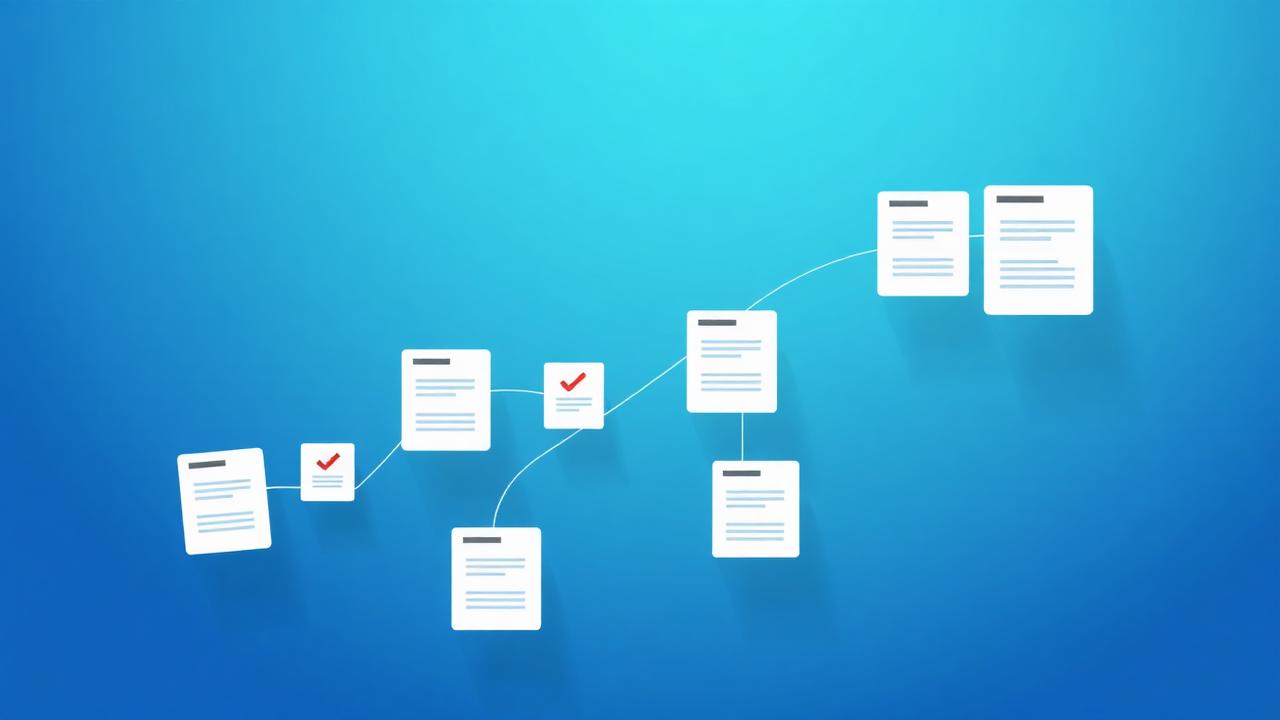
DocsFusion reconstructs paragraphs, tables, columns and fonts so the result looks like the original — not a jumble of loose text boxes. Headings stay headings and tables stay tables, which means far less clean-up.
Handling scanned PDFs with OCR
Scanned PDFs are images of text, so they need optical character recognition (OCR) to become editable. DocsFusion runs OCR automatically, recognising text in 100+ languages so your converted document is fully searchable and editable.
Pro tips
- For scanned files, use the clearest scan you have — higher-quality input means more accurate OCR.
- Convert page ranges instead of a whole book if you only need a chapter.
- After converting, use Word's built-in styles to tidy up any minor spacing differences.
- Need the reverse? Word to PDF locks your edits back into a shareable format.
Real-world examples
Updating an old contract
Convert a legacy PDF contract to Word, revise the clauses, then export it back to PDF for signing.
Reusing report content
Pull tables and paragraphs from last year's PDF report into a fresh Word document without retyping.
Frequently asked questions
Conclusion
Converting PDF to Word unlocks documents you thought were frozen — letting you edit, reuse and collaborate freely.
With accurate layout reconstruction and automatic OCR, DocsFusion gives you a clean, editable result in seconds.
DocsFusion Team
Product & Content
The people building DocsFusion — sharing what we learn about documents, PDFs and AI.